
Code-first
Define forms and controls in C#. No XAML, with direct access to events and UI logic.
UI framework · Open source
Actively developedDesktop UI.
Directly in C#.
A forms-and-events model inspired by WinForms. Its own controls and layout system, rendered with SkiaSharp on .NET 10.
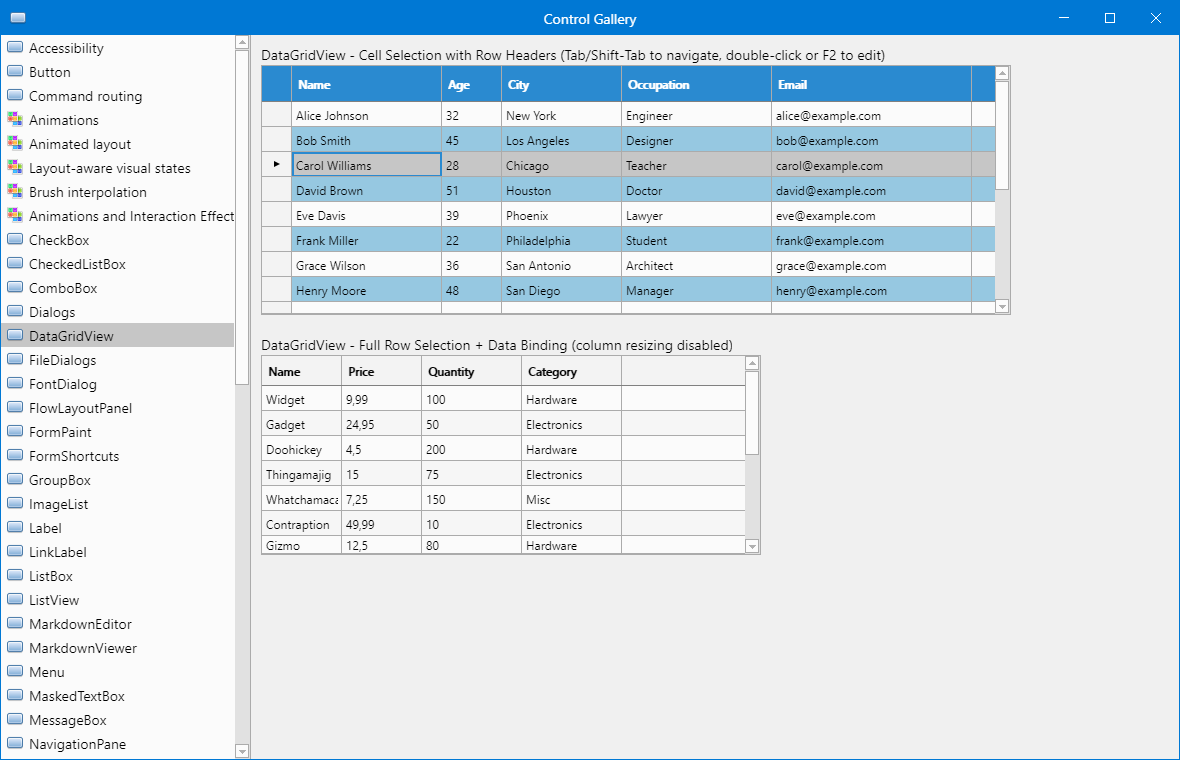
An actual screenshot of ControlGallery from the repository, showing DataGridView. Appearance varies with the version and theme.
Features
Define forms and controls in C#. No XAML, with direct access to events and UI logic.
A dedicated control tree, layout system and input handling. The framework draws the app's interface itself.
Text fields, lists, tables, menus, dialogs and containers. Data binding connects the interface to your application state.
Theme tokens, inherited resources and theme switching at runtime. Themes can be defined in JSON.
Two real screenshots from the repository documentation, showing different layouts built with ModernFormsNext controls.
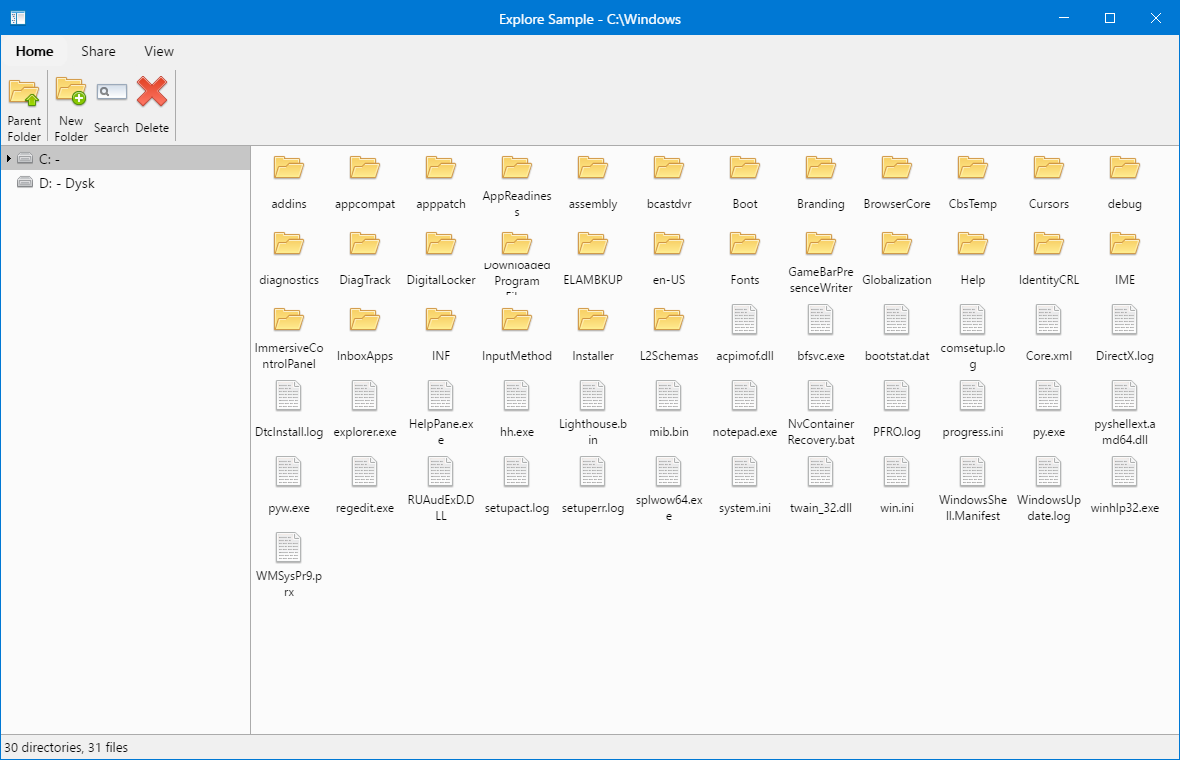
Explorer: a sample application with folder navigation and a file table.
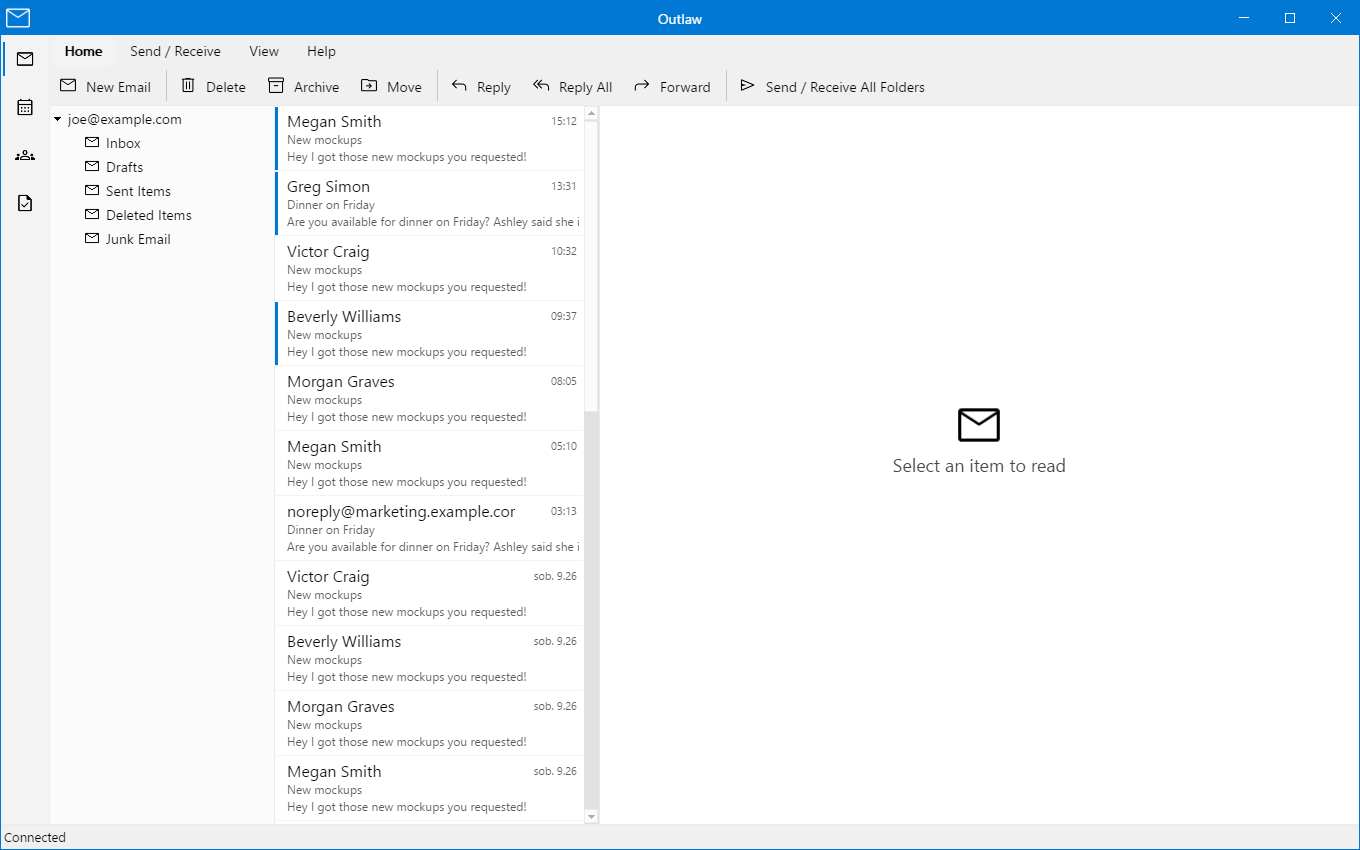
Outlaw: a sample mail interface. The messages and senders shown are demonstration data defined in the sample code.
Quick start
You'll need Windows and the .NET 10 SDK. Install the template, create a project and run the app.
These commands are pinned to version 1.11.1.
Installation guidedotnet new install ModernFormsNext.Templates::1.11.1
dotnet new mfn-app -n MyApp
cd MyApp
dotnet runExample
A complete entry point for a Windows app that references ModernFormsNext.
In a project created from the template, use the existing entry point or replace it with this example.
using System.Drawing;
using ModernFormsNext;

internal static class Program
{
    [STAThread]
    private static void Main()
        => Application.Run(new MainForm());
}

public sealed class MainForm : Form
{
    public MainForm()
    {
        Text = "Hello, ModernFormsNext";
        Size = new Size(800, 600);

        var button = new Button
        {
            Text = "Kliknij mnie",
            Bounds = new Rectangle(24, 24, 160, 40)
        };

        button.Click += (_, _) => button.Text = "Działa!";
        Controls.Add(button);
    }
}
Tools
Build forms and user controls in the ModernFormsNext designer. Visual Studio integration is available as a VSIX extension.
The designer and its workflow are still evolving. Use the extension version that matches your framework release.
Releases and VSIX extensionAdd controls, set their properties and arrange the layout in the designer.
The document stores the interface structure and settings.
The generator produces a .Designer.cs file. Write your application logic in the form's code.
Status and platforms
ModernFormsNext is actively developed. Support varies by platform.
Runtime, designer and the main focus of validation.
Shared controls and a Skia surface. Windowing and platform services do not offer full parity with Windows.
These are not currently supported application platforms.